Sign-in
To access LOCI the user needs to log in. Signing in allows you to securely access your personalized company dashboard, manage your data, and pick up right where you left off — whether you're analyzing, collaborating, or tracking progress.
To log in, visit the LOCI URL and enter your email and password on the LOCI sign-in page.
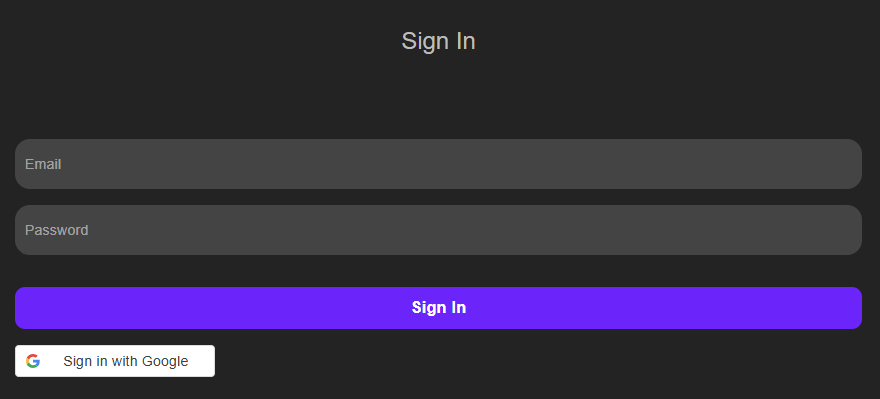
If you’re new to LOCI, make sure you’ve already received a confirmation for the created account before attempting to log in with your email and password. Once your credentials are entered, click the “Sign In” button to access your account.
Logging in ensures your information is safe and gives you full access to the features designed to support your work on LOCI specifically related to your company.