Call Graph Analysis
The "Open CFI Filters" option provides a configuration interface that allows you to filter and select various parameters to achieve your preferred CFI view. The ability to configure the CFI filters is important for tailoring the analysis to your specific needs.
The user can apply the following CFI filters to adjust the CFI graph visualization:
Select Specific Binary
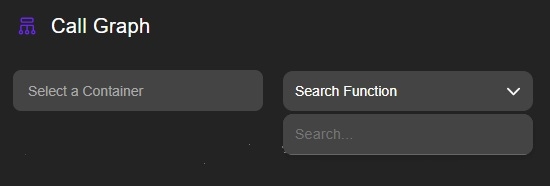
Search Specific Function — quickly find and focus on a function within the CFI graph
Implemented filters on the CFI Graph
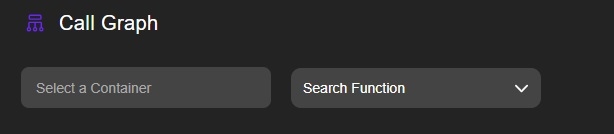
Utilize the CFI graph to ensure accurate filtration and representation per binary.
Filter by Binary/s
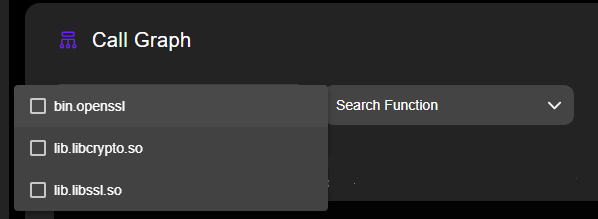
The user can locate a specific function within the CFI Graph using the "Search Function" option, which highlights and focuses on the selected function within the graph.